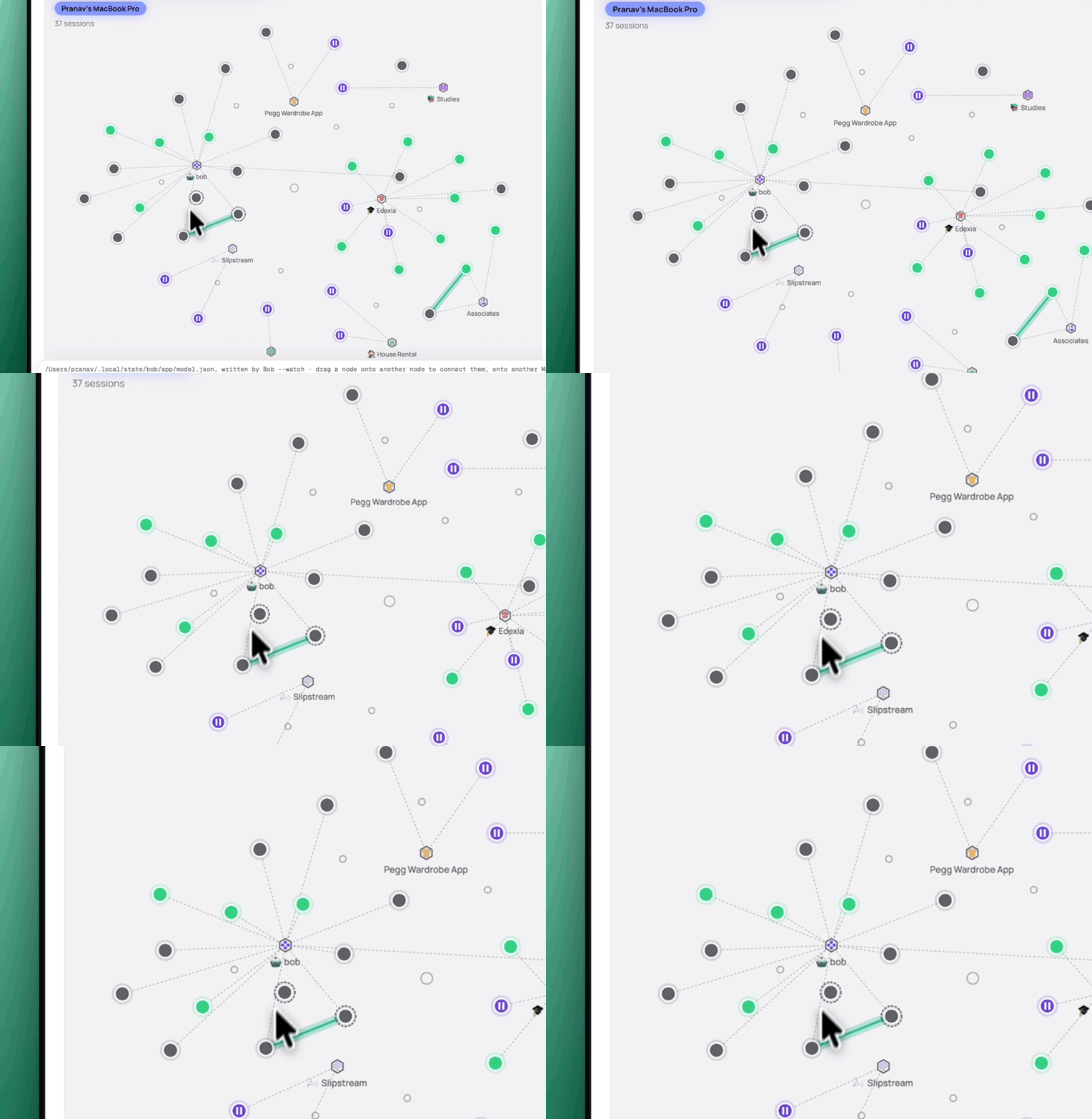
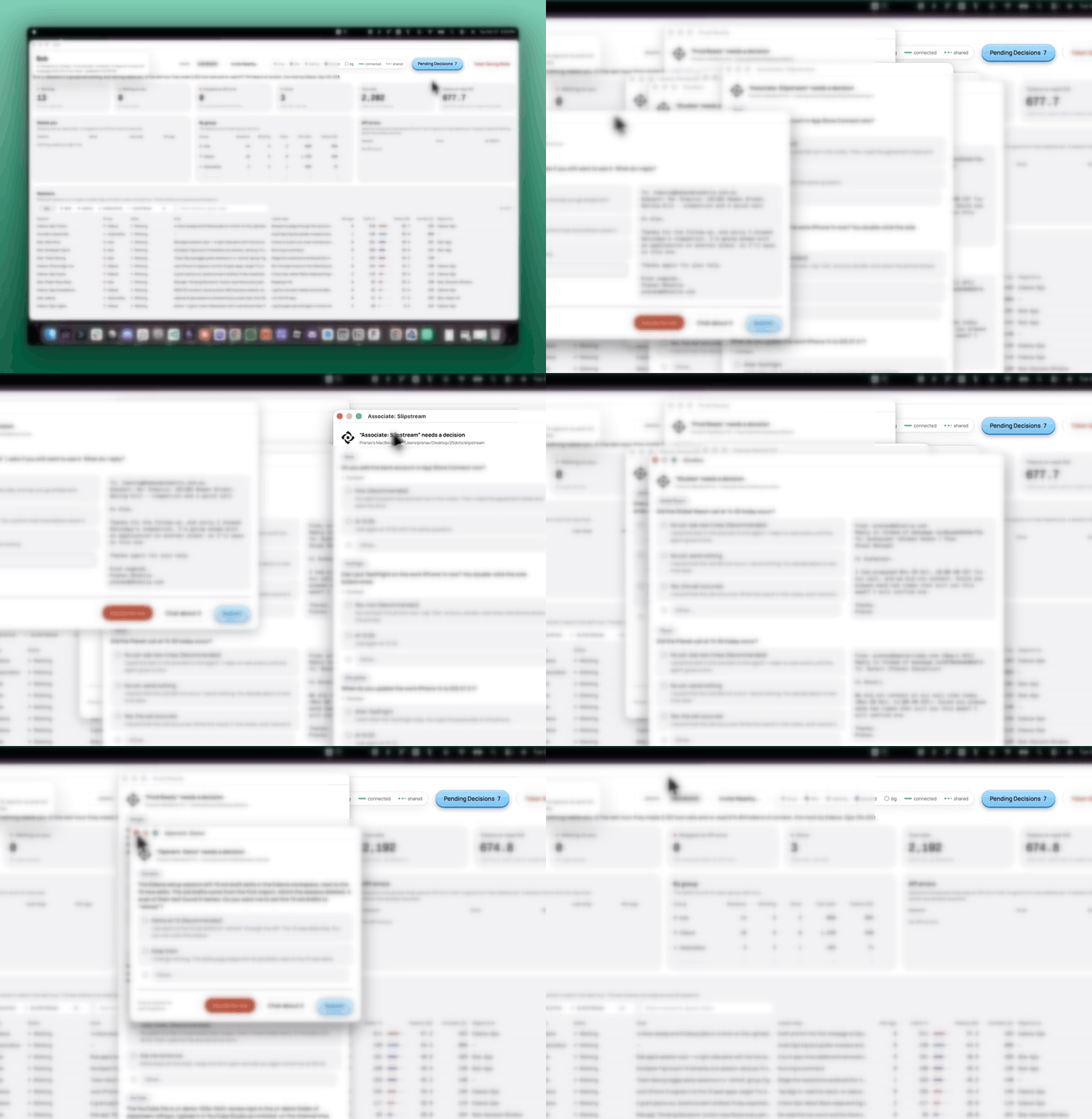
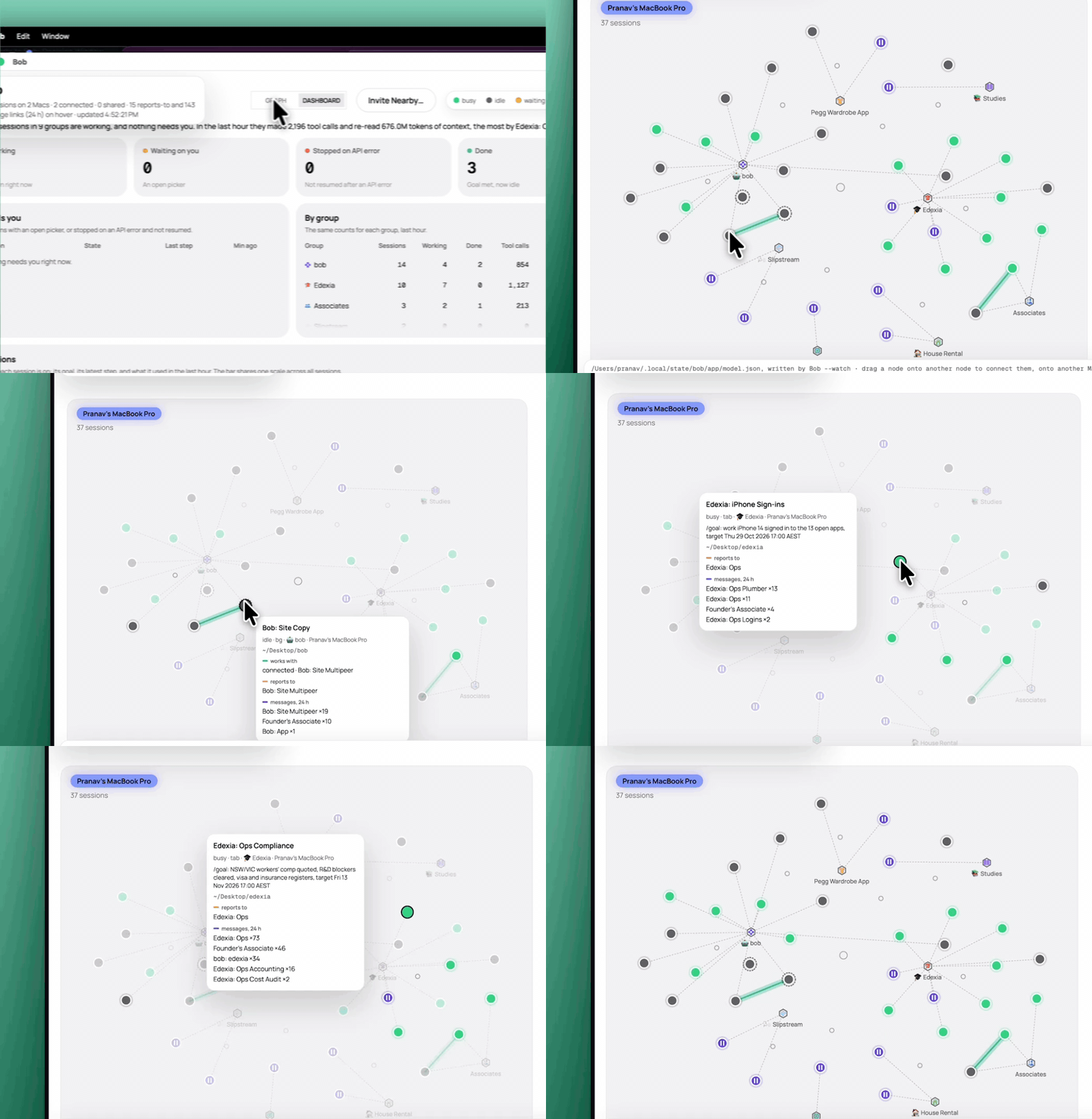
Each dot is one agent and each hexagon is one project. The zoom shows the bob project and its agents.
Bob lets one person run hundreds of AI agents.
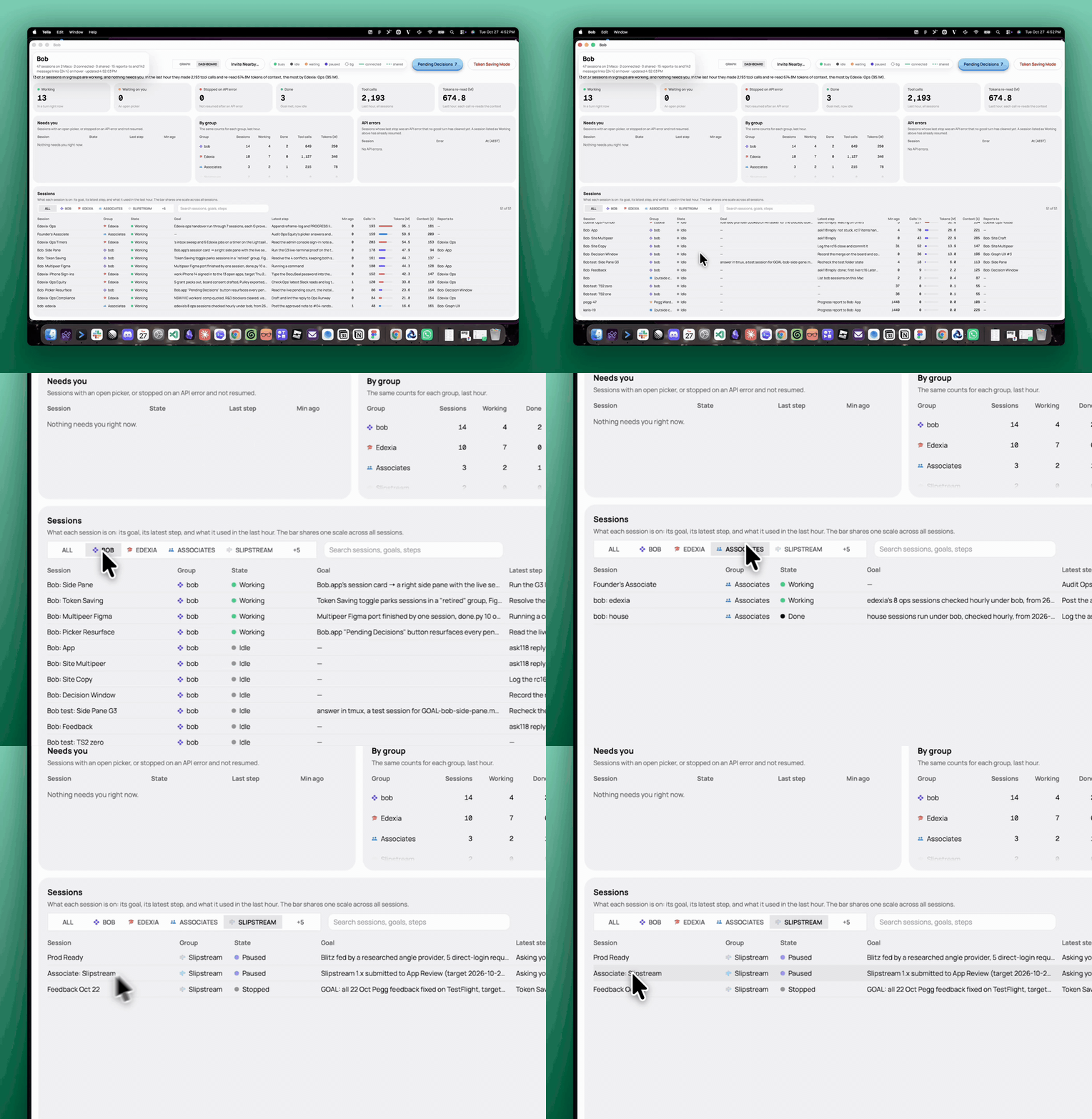
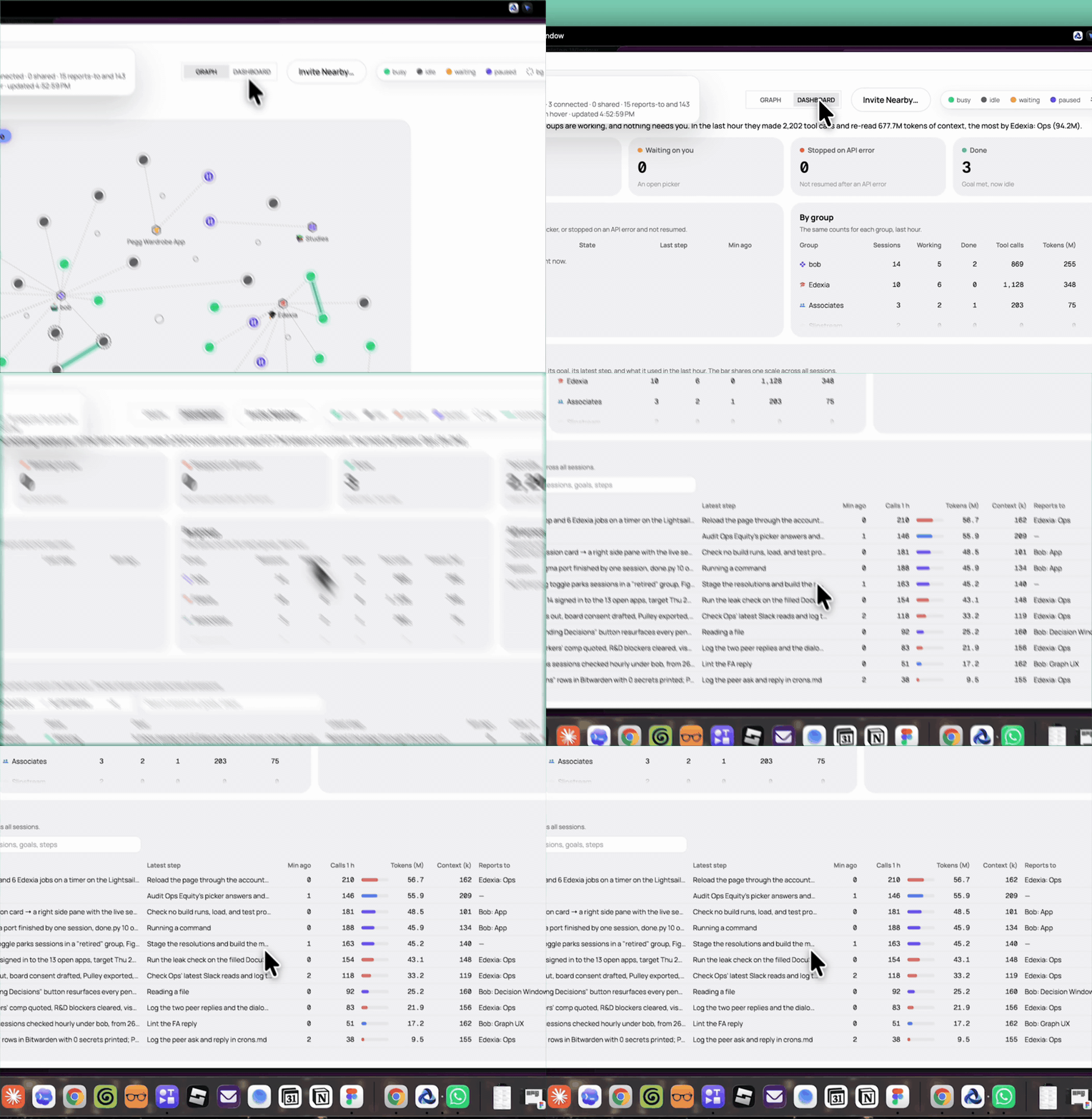
The dashboard counts every agent by group. Pick a group to see what each of its agents does now.
They write code, sell, negotiate, use company accounts and drive a phone.
Each row is one agent: its latest step, its tool calls and tokens in the last hour, and who it reports to.
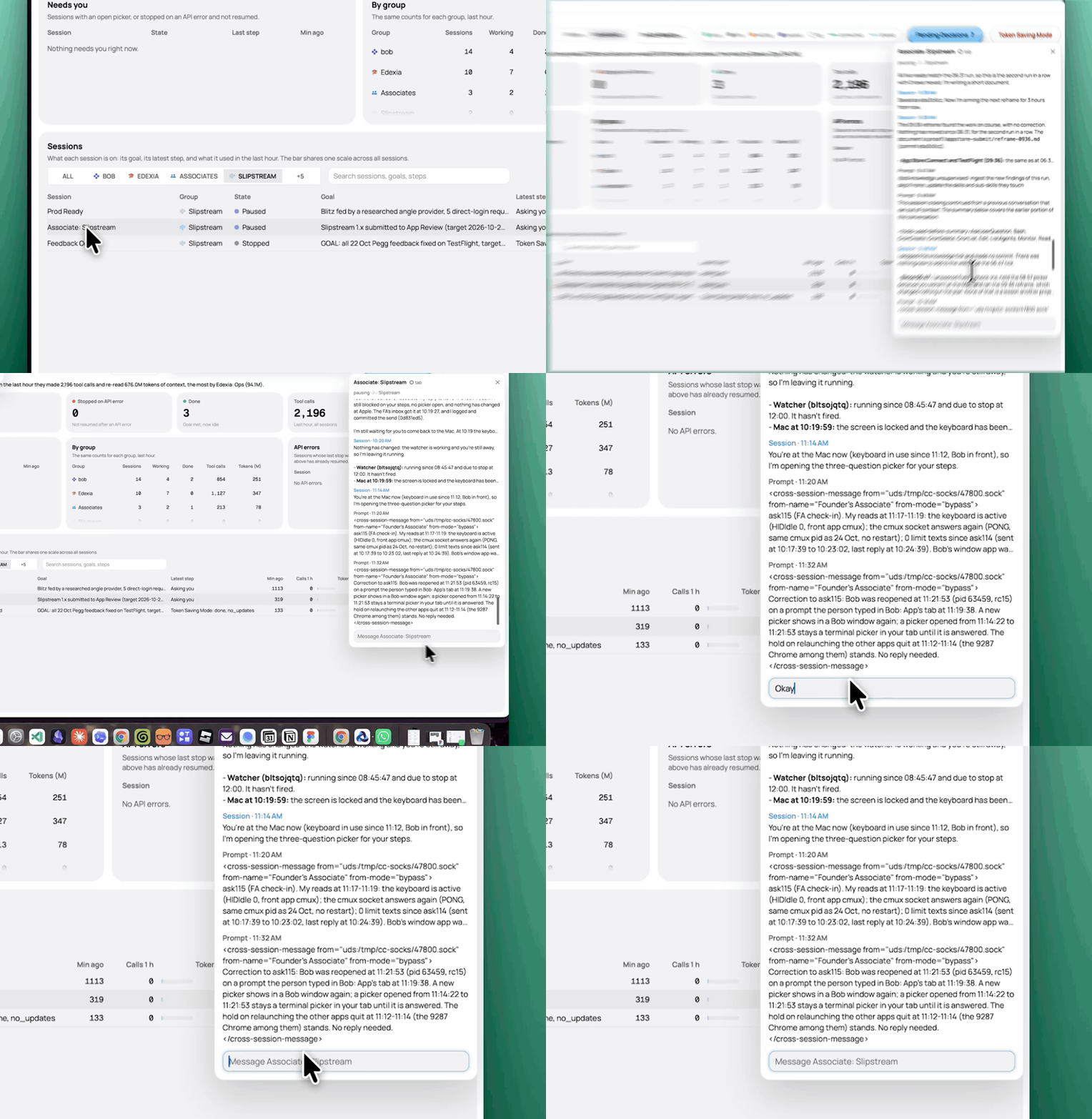
Look inside any agent. Click a row to read what the agent did and said, and send it a message.
The side panel shows the agent’s last steps and messages. Type in the box at the bottom to talk to it.
They come to you. Start 1,000 agents. Each agent works until it needs you, then asks in one decision window. No agent stops.
Seven agents need you. Each one opens its own window with its name and its Mac. Private text is blurred here.
See all from above. A live graph shows each agent on each Mac. You steer the vision.
Point at an agent to see its goal, who it reports to and who it talked to today. Green is busy, grey is idle, orange waits for you and purple is paused.
Bobs talk to bobs.
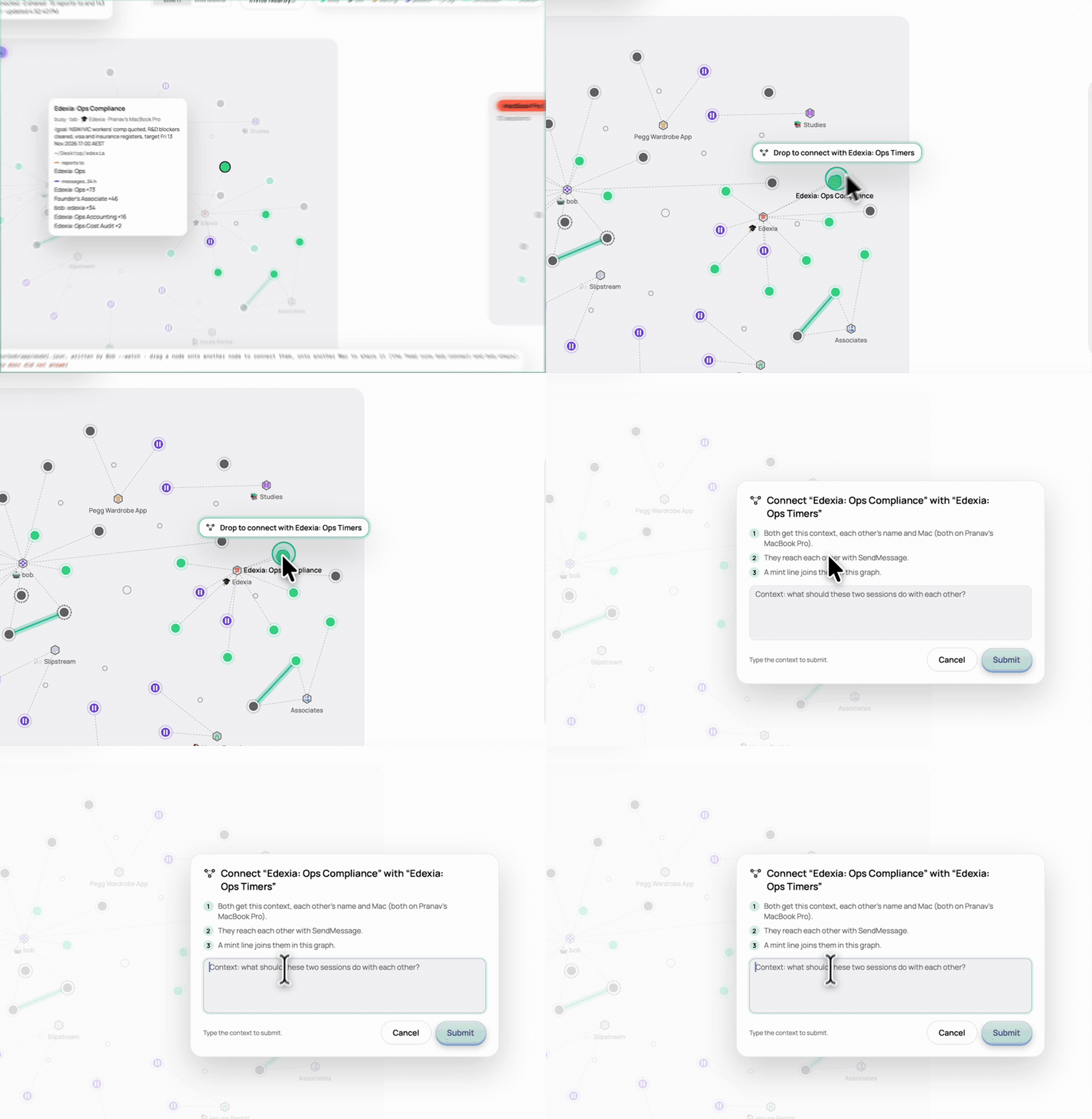
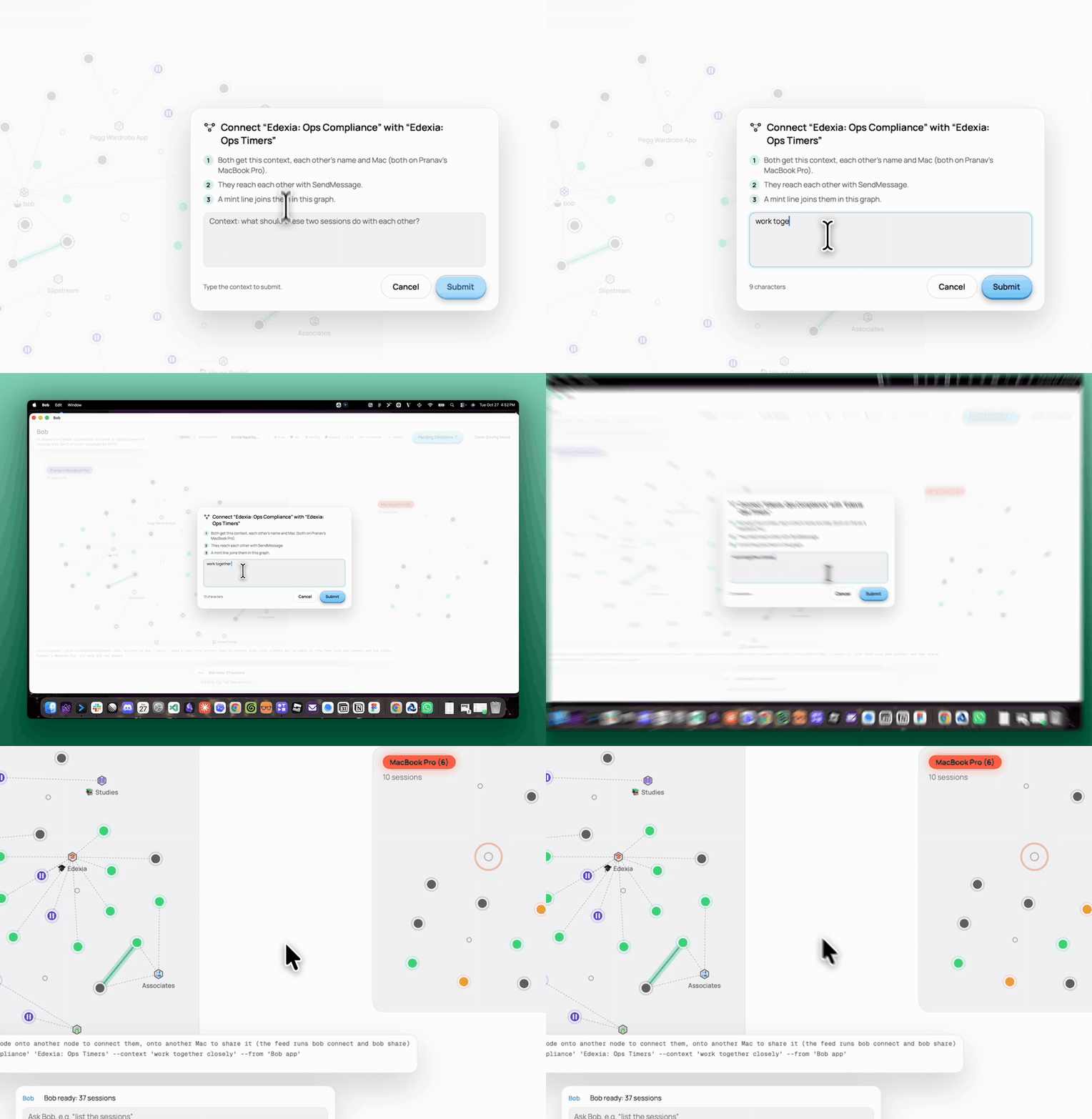
Drag one bob onto another to connect the two.
Before: sales asks an engineer for a demo video and waits two days. After: the two bobs share context and a /demo skill in minutes.
Write the context once. Both bobs get it with the name of the other bob. Then they talk, and a mint line joins them in the graph.
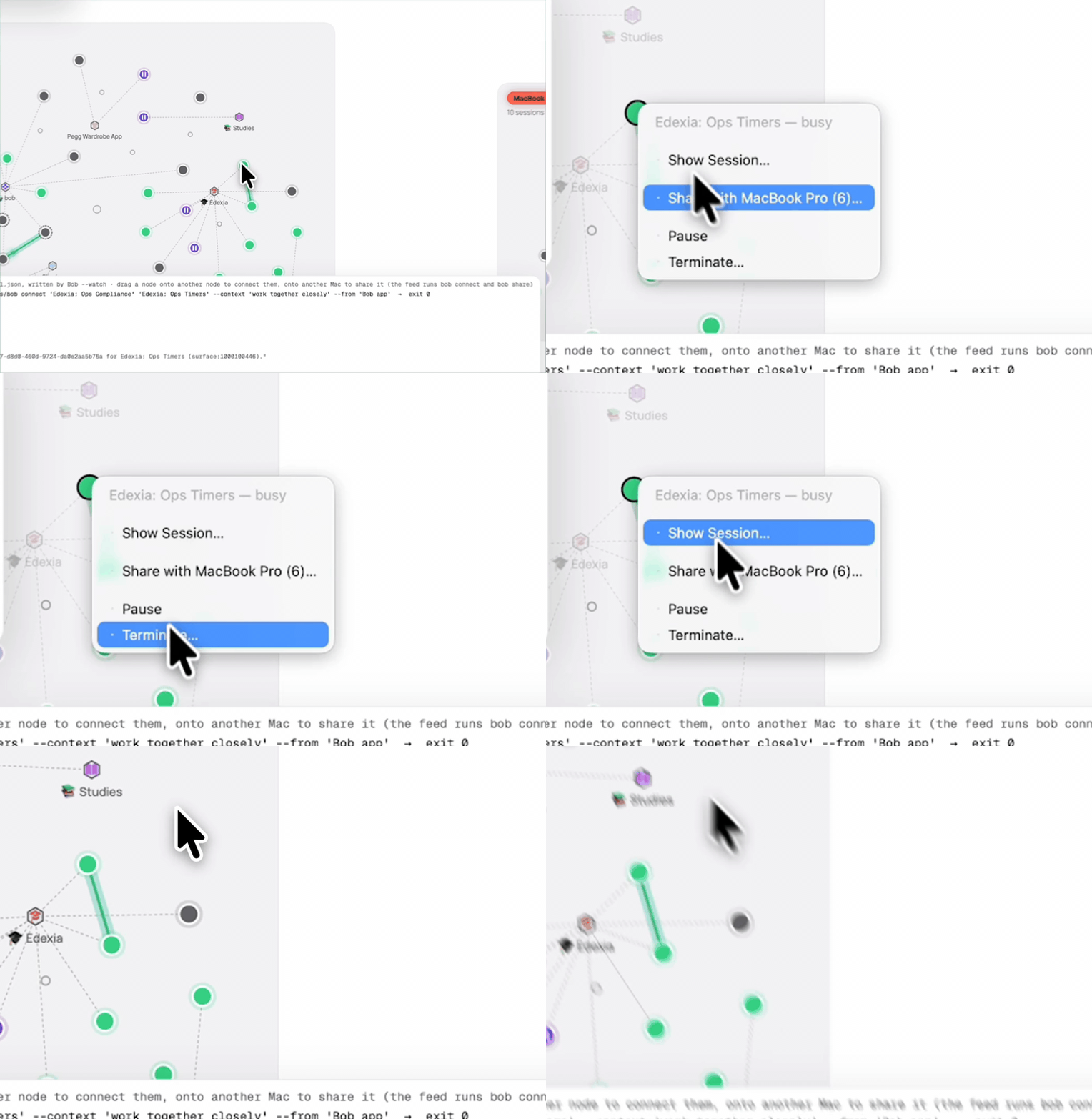
Steer any agent. Right-click an agent to open its session, share it with another Mac, pause it or stop it.
Share starts a partner for the agent on another Mac. Pause keeps everything in place until you resume it.
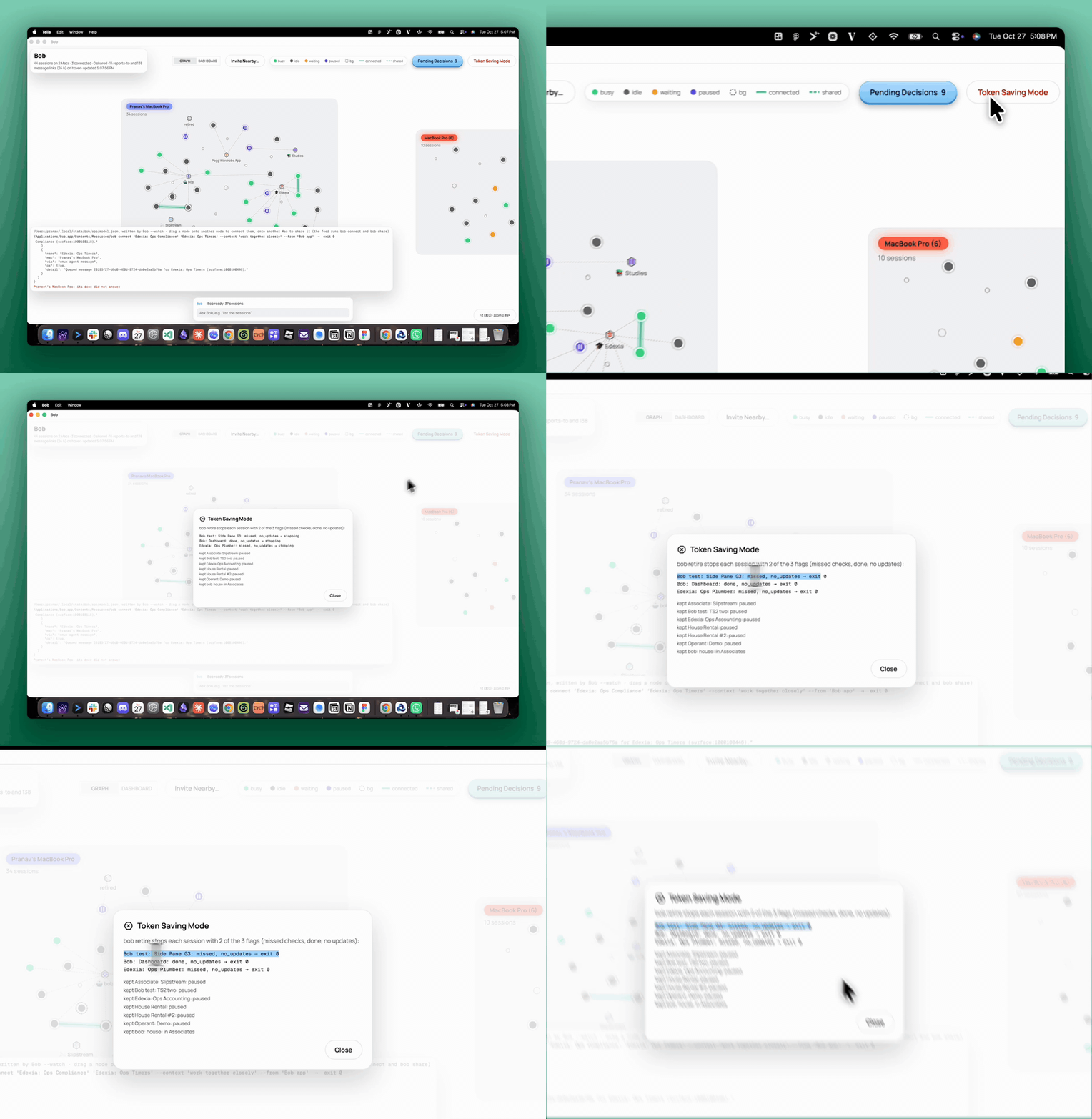
Spend tokens where they count. One click stops the agents that are done or stuck.
Token Saving Mode stops each agent with 2 of 3 flags: missed checks, done or no updates. Paused agents stay as they are.